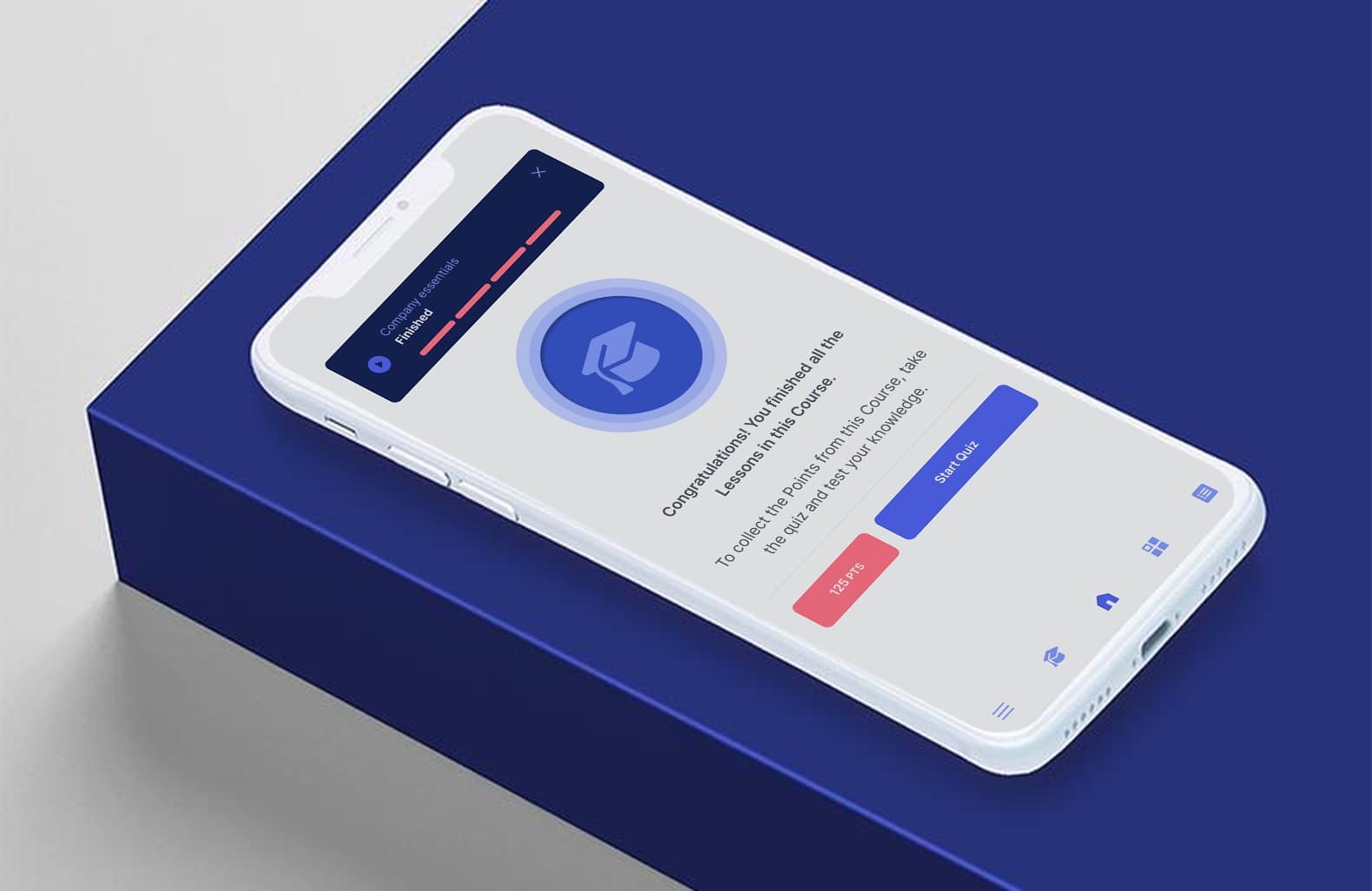
A stronger start for every new hire.
Give every new starter consistent guidance and practical support. Help mentors focus on getting people ready for the job.
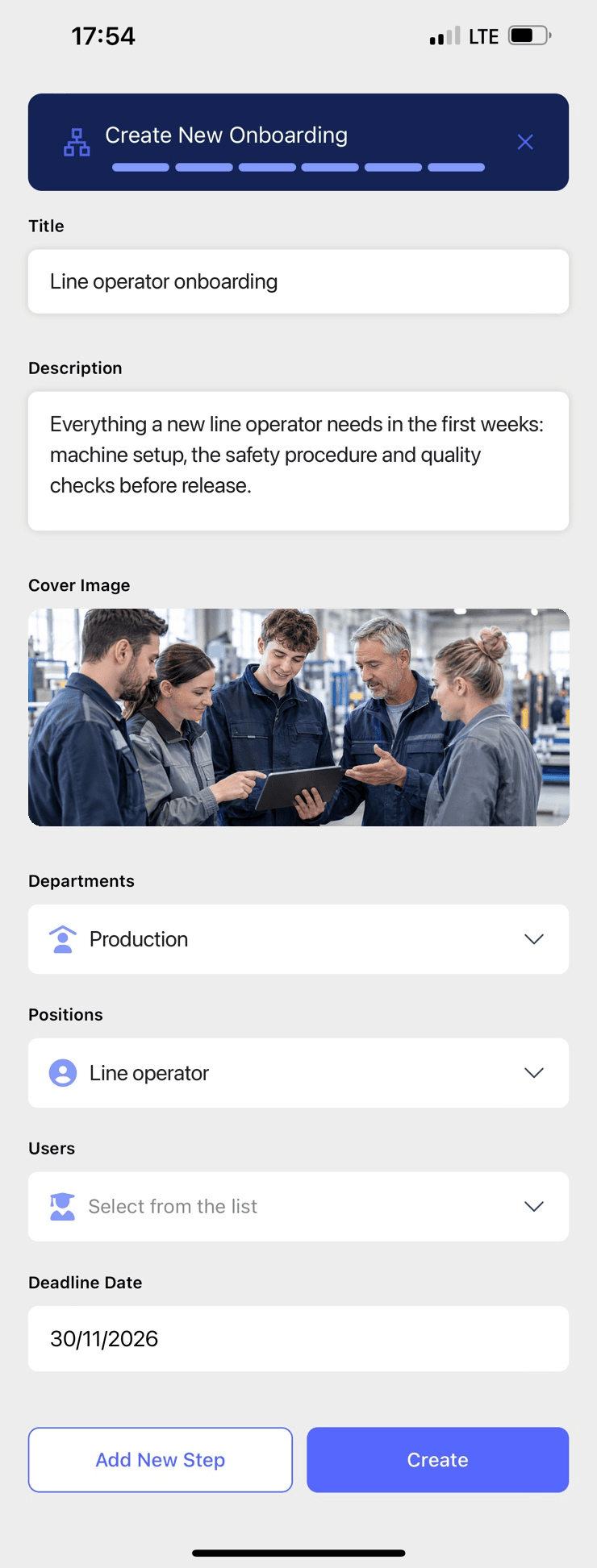
Give mentors more time to coach
Give new starters focused instruction they can revisit. Mentors can spend their time on practice and individual questions.
Give every hire the same foundation
A machine procedure, a sales conversation or a software task should not depend on who happens to explain it. Give each person the relevant instruction and practical checks for their role.
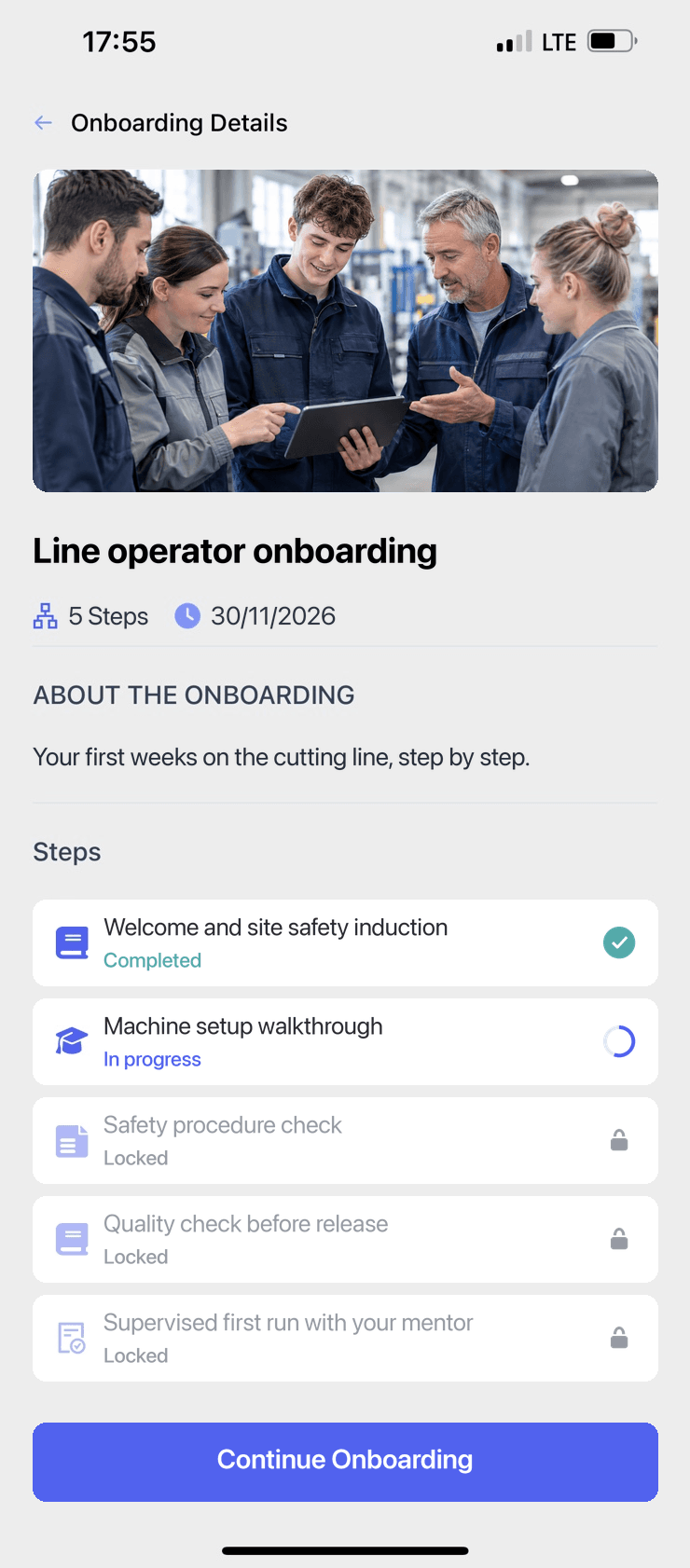
Build a clear path to independent work
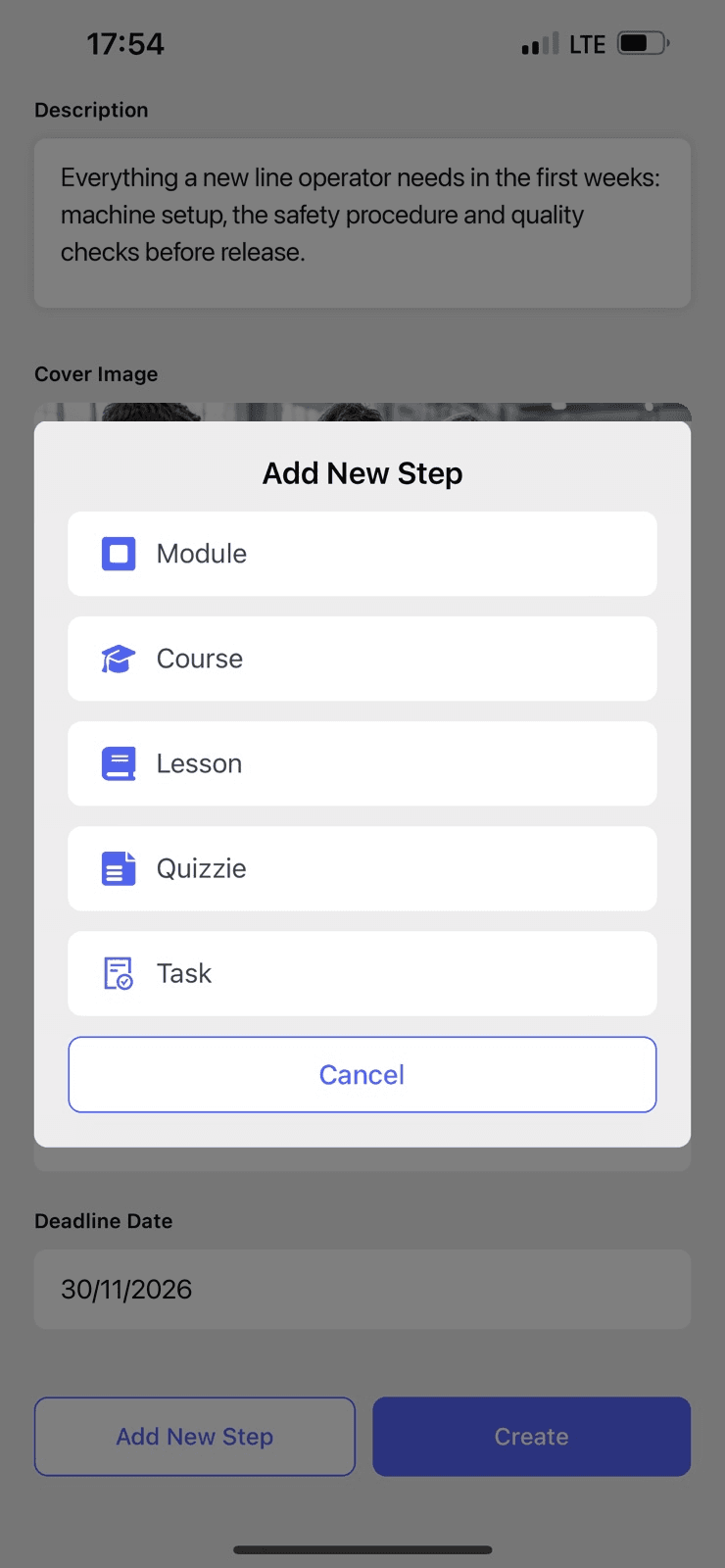
Reinforce key knowledge with quizzes, then check application through practical tasks and mentor feedback before approving the next step.
Know who needs support
Automatic reminders handle routine follow-up. Managers can see outstanding learning and assignments awaiting review, rather than checking with everyone individually.
Production knowledge that can be used again
Provis is piloting MindForge in a manufacturing business with around 200 production employees. Its team is recording procedures and onboarding demonstrations for reuse with new starters.

Start with the role you recruit for most
Use the documents and demonstrations you already have. We can also help develop the training materials and curriculum through a separate offer.
Give the next hire a stronger start
Tell us which role you want to prepare people for and where the current onboarding takes too much time.