Employee onboarding & continuous training
Efficient training. Capable teams.
Turn company knowledge into practical training for every role.
Training for real business needs.
 ProvisActive pilot
Record the procedure. Train every new hire.
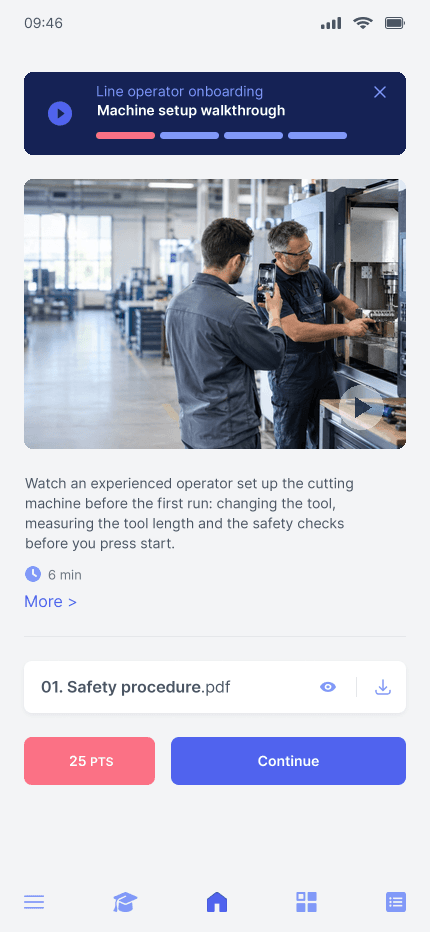
Provis records procedures and practical demonstrations for repeatable onboarding in a business with around 200 production employees.
 AS HoldingActive pilot
From onboarding to management development.
AS Holding is piloting role-based onboarding and management development across locations, within a group of around 20 companies and 5,000 employees.
 Adriatic Business AcademyIn use
Deliver training beyond the classroom.
ABA uses MindForge to deliver sales, team management and leadership training, with materials available between sessions, in an ecosystem of 50+ companies.
 NANO-THINKIn use
Make time for learning in a busy day.
NANO-THINK delivers critical-thinking courses in short sessions, making specialist training easier to fit around daily work.
 Cyber EdukacijaIn use
Deliver cybersecurity training under your brand.
Cyber Edukacija delivers awareness and specialist courses through its own branded platform to learners from 100+ organisations across three countries.
“In our pilot with MindForge, we record procedures and practical demonstrations for reuse in onboarding.”
Build a more capable company.
Faster onboarding.
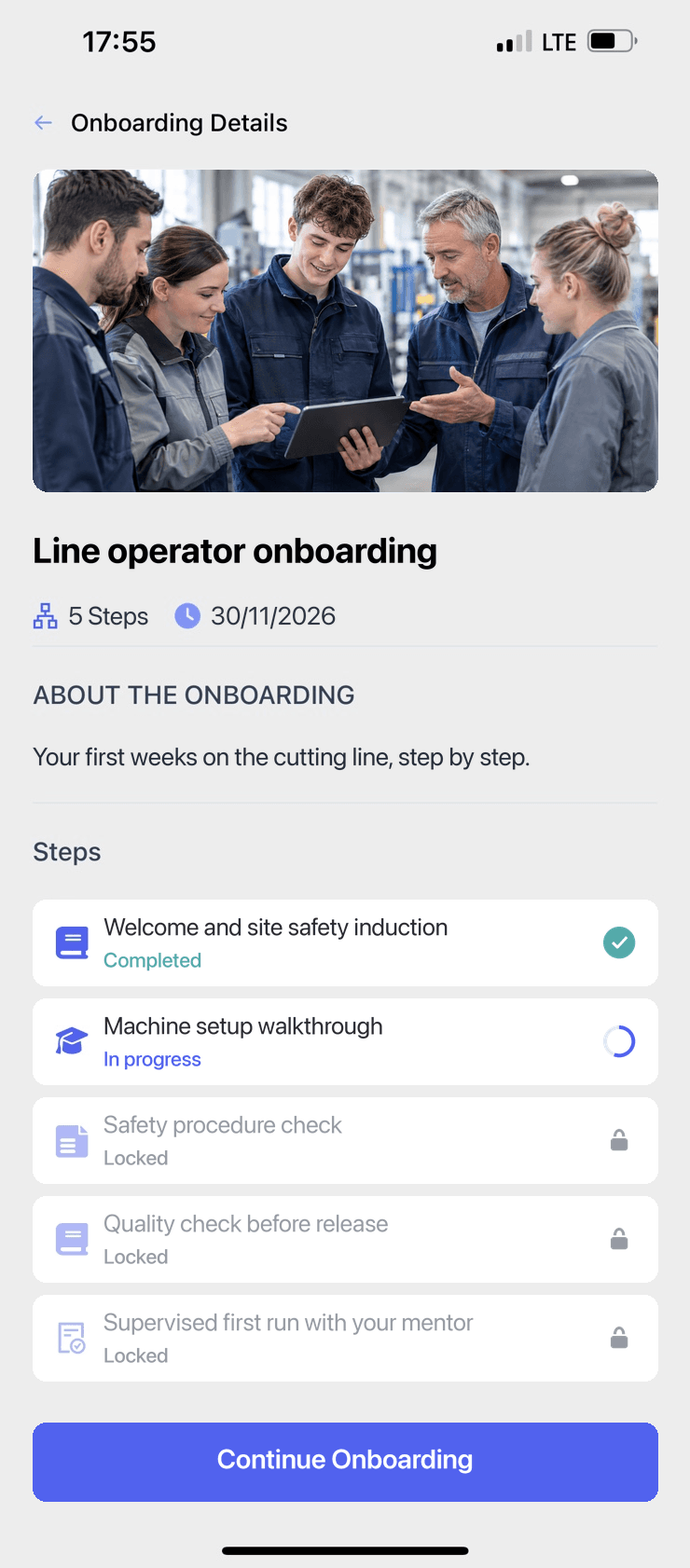
Give every new hire a clear path from first day to practical work.
Consistent standards.
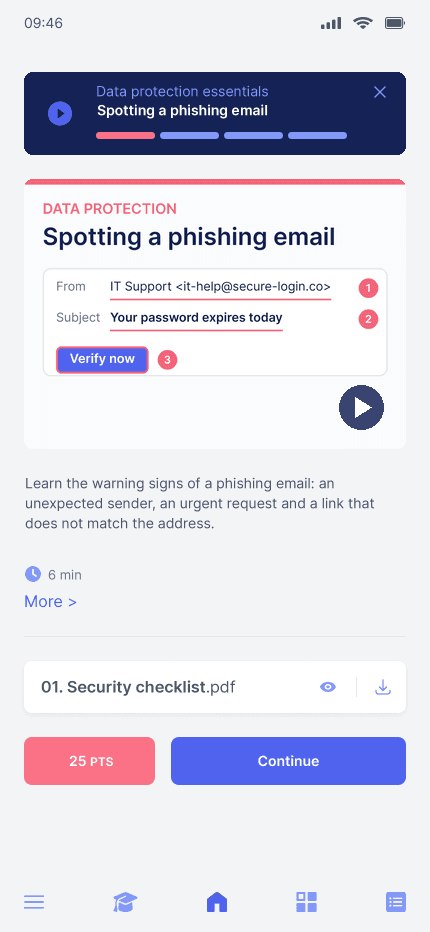
Train teams on your procedures, wherever they work.
Build capabilities.
Develop the skills your teams need to perform today and take on more tomorrow.
Training you can verify.
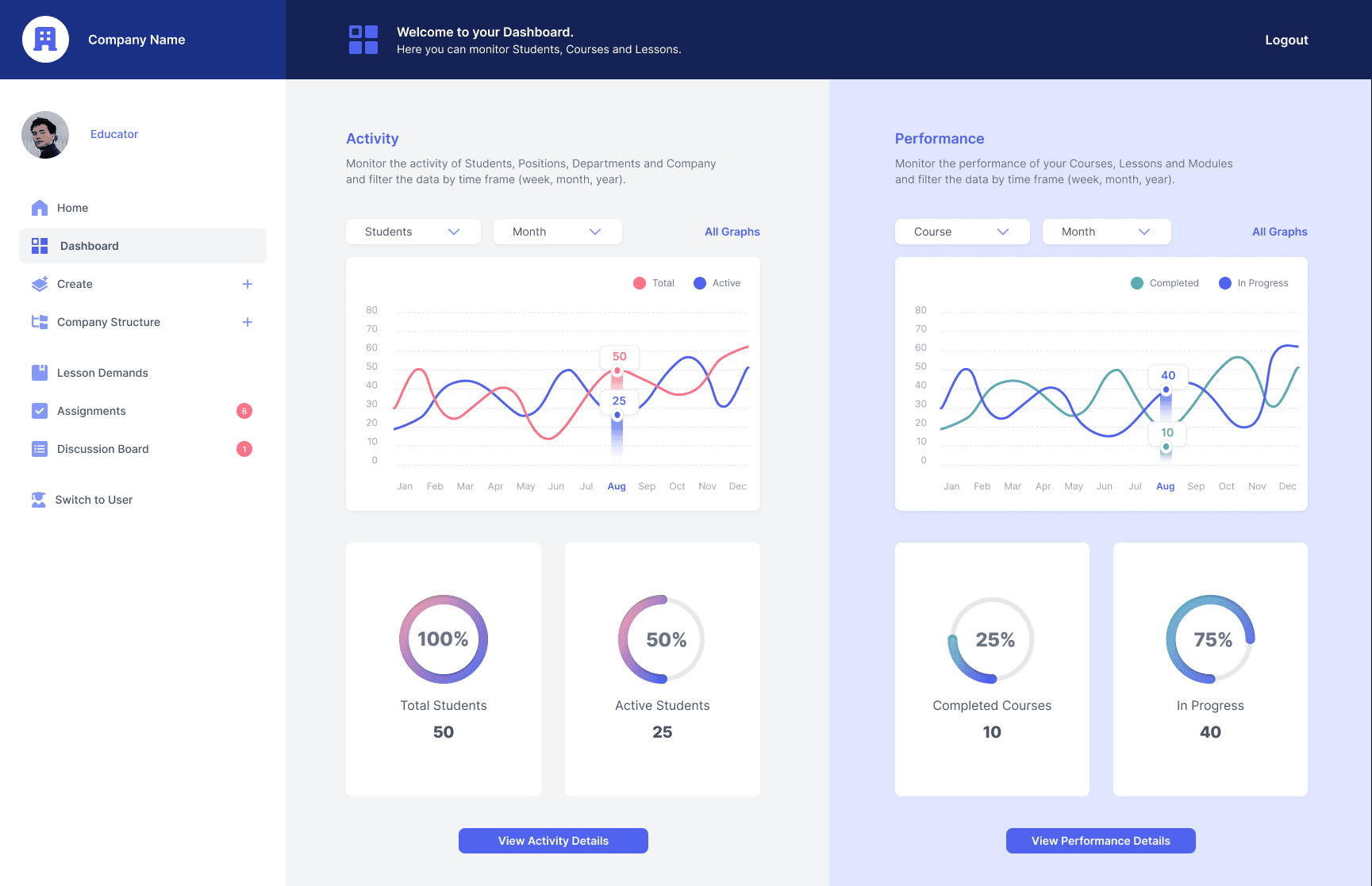
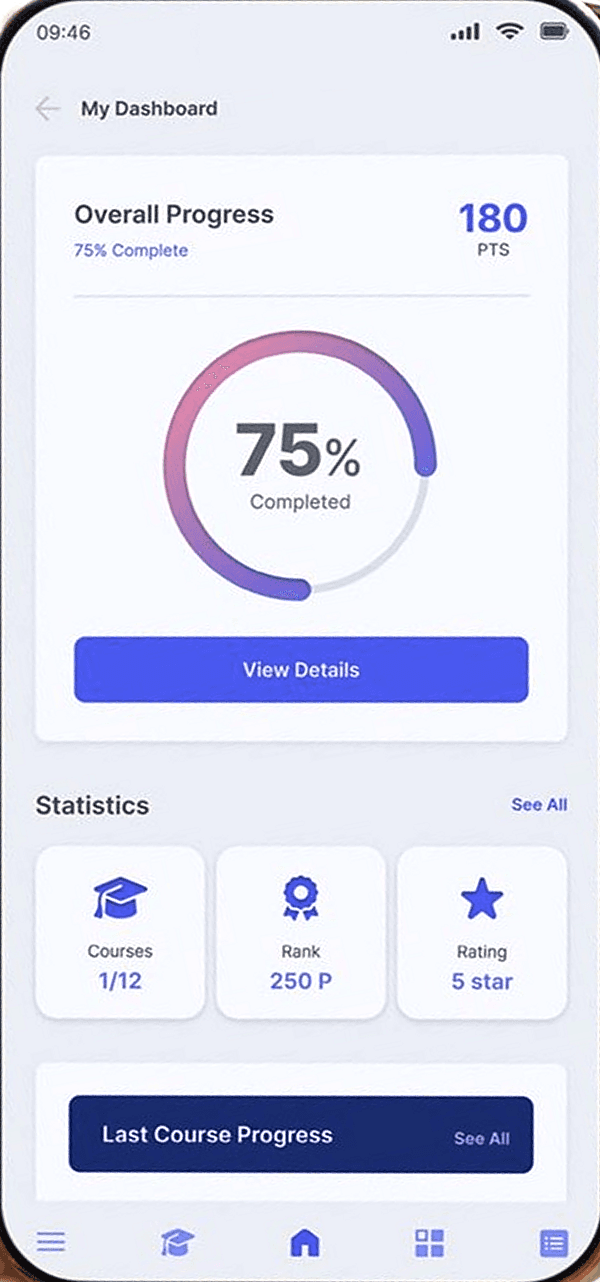
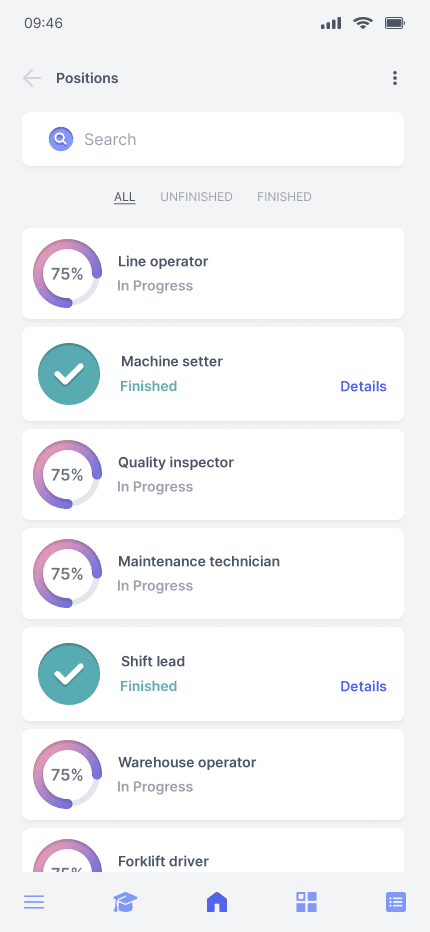
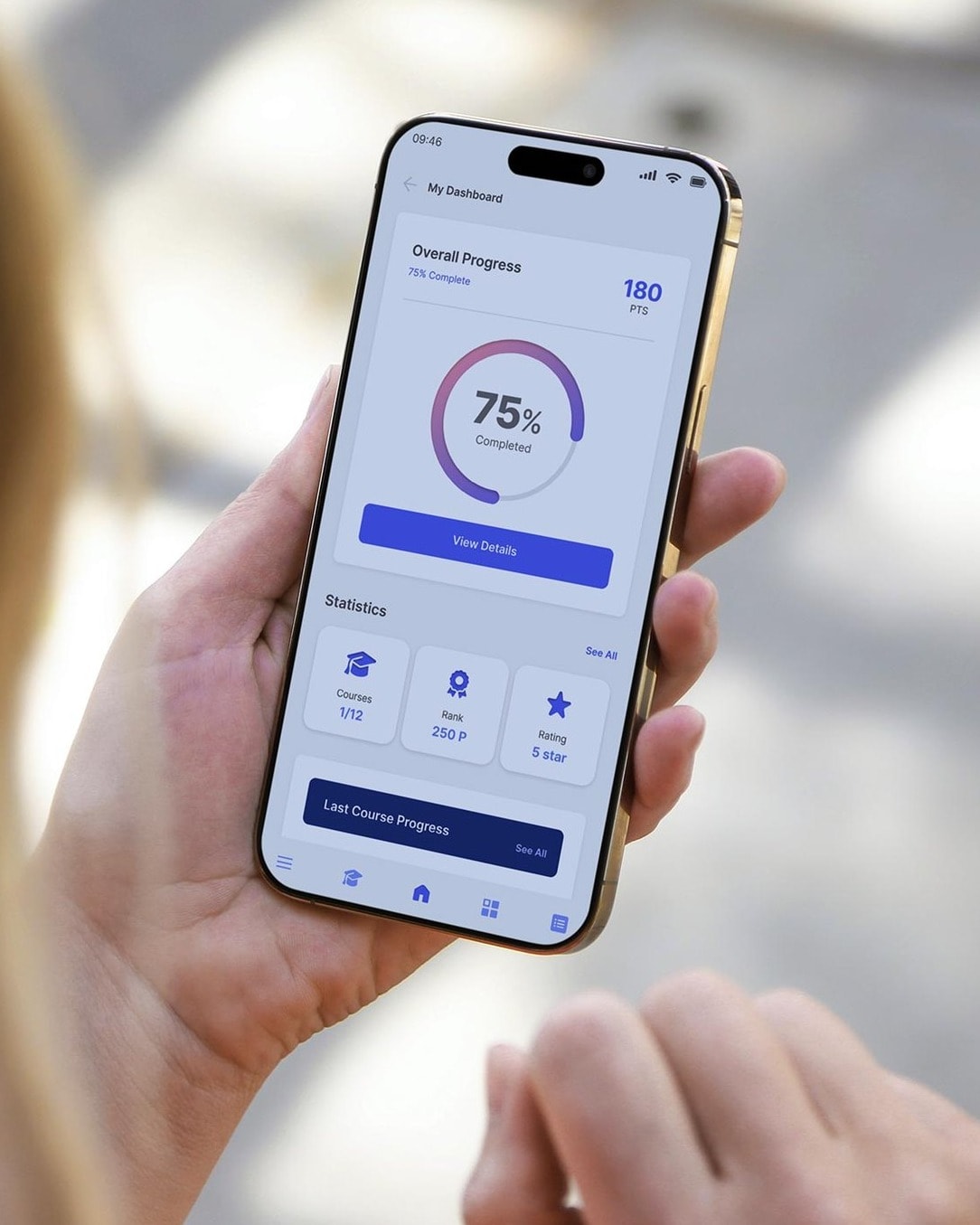
Track completion and assessments, with records for compliance reviews.
Your procedures. Your standards.
Build training around your roles and ways of working, with practical tasks and mentor feedback.
Create training faster. Support learners anytime.
As AI changes how we work, people need better ways to learn.
- For your team: An AI learning assistant helps explain lesson content and answer follow-up questions, 24/7, so people can keep learning without waiting for a colleague.
- For your trainers: Turn existing material into training, with AI tools for summaries, quizzes and video explanations.
Avatar video generation is an optional paid add-on.
Hi! Ask me anything about this lesson.
Choose how you start.
Ready-to-use platform.
Train employees or deliver education programmes with your own content. No setup fee for standard activation. Enterprise available for 400+ users.
Build your branded academy.
Get a tailored offer for your branding, software adaptations and ongoing service.
Need help creating the training? Request a content and curriculum offer
Develop your people. Build the company you want.
- Better service needs stronger skills.
- Consistent quality needs shared standards.
- Growth needs people ready for responsibility.
- Make their development part of how you run the business.
Research links training with stronger organisational performance. Read the research
Built by people who have done the work.
Hands-on training experience, enterprise software expertise and advisors in leadership and education.
Why we built MindForgeStart with the training you repeat most.
Choose a plan or discuss your priorities with our team.